Reset A Patient’s Password
Reset A Patient’s Password
There are 2 ways to reset a patient’s password (to allow them to login to the app or patient website to access their exercises).
From the patient’s app
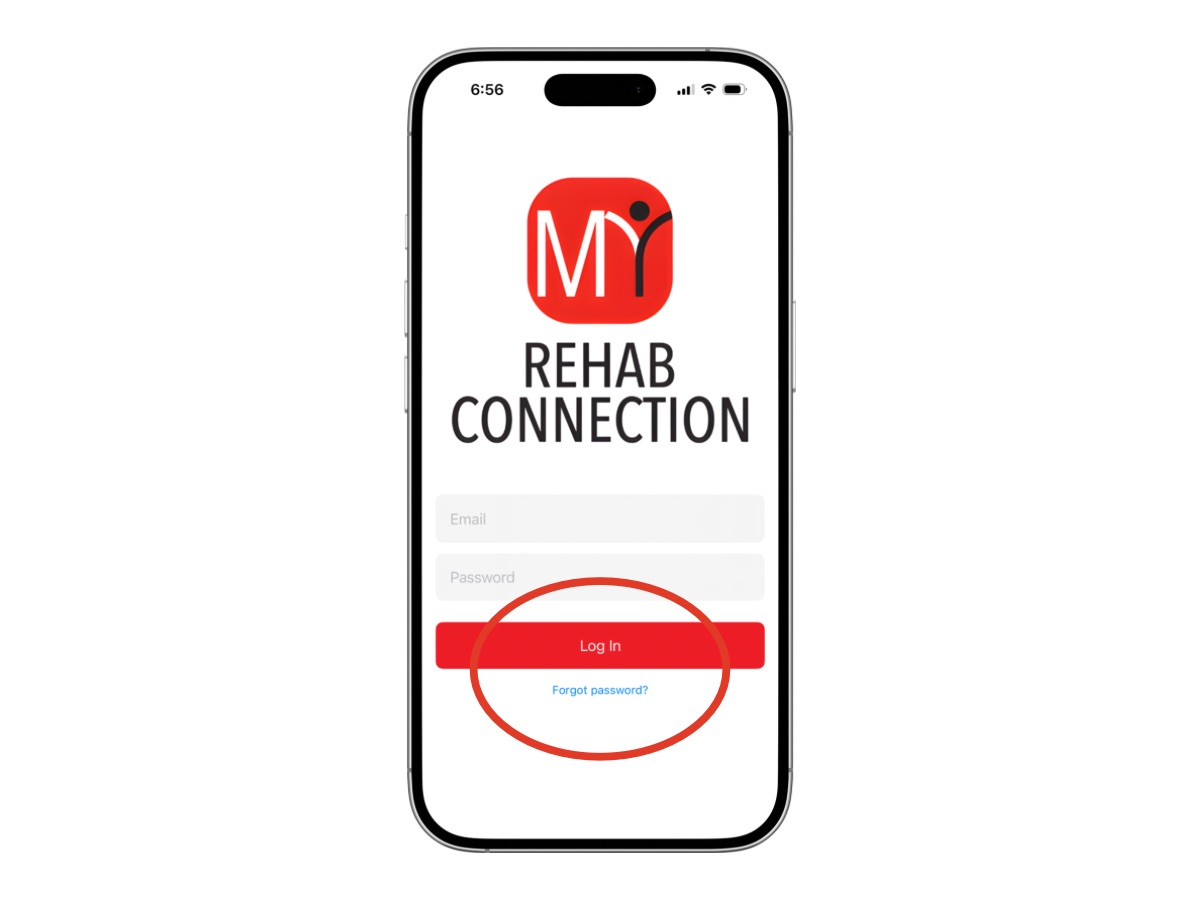
From the app login screen the patient can click on the “Forgot Password” link located towards the bottom of the screen. From here they can enter their email address and a new password will be sent to them.
After logging in your patient can change their password to something more memorable.
From the clinic portal
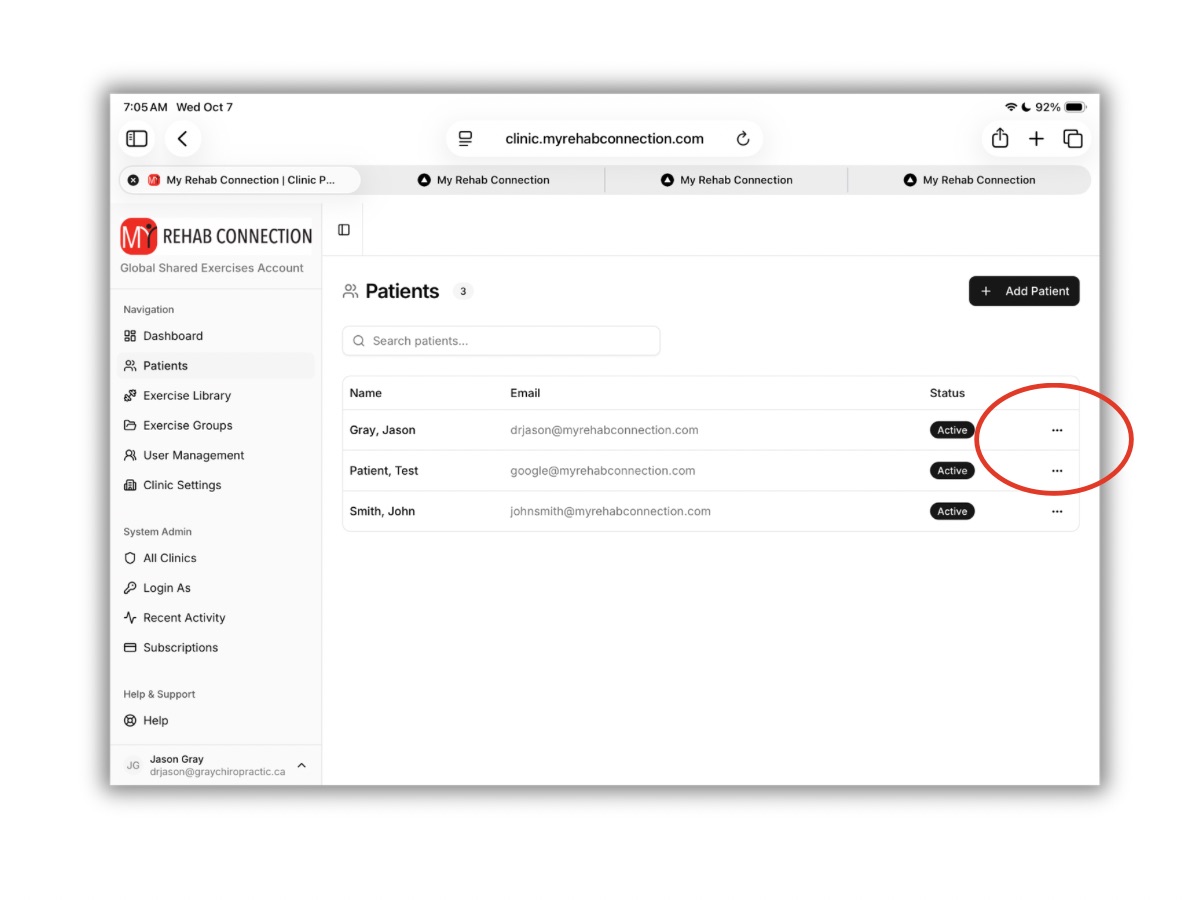
To reset a patient’s password from your clinician account, find the patient from the Patient Library. Click the three dot icon located to the right of the patient. There you will see an option to reset their password.
The system will send an automate email to the patient with their new password. (They are able to update this password from the app after logging in).