
Printing and Emailing Exercise Programs
For those few patients who do not have a smartphone or tablet, and can’t use a web browser, you are able to print or email exercises. Here’s how to do it.
To Print Exercises
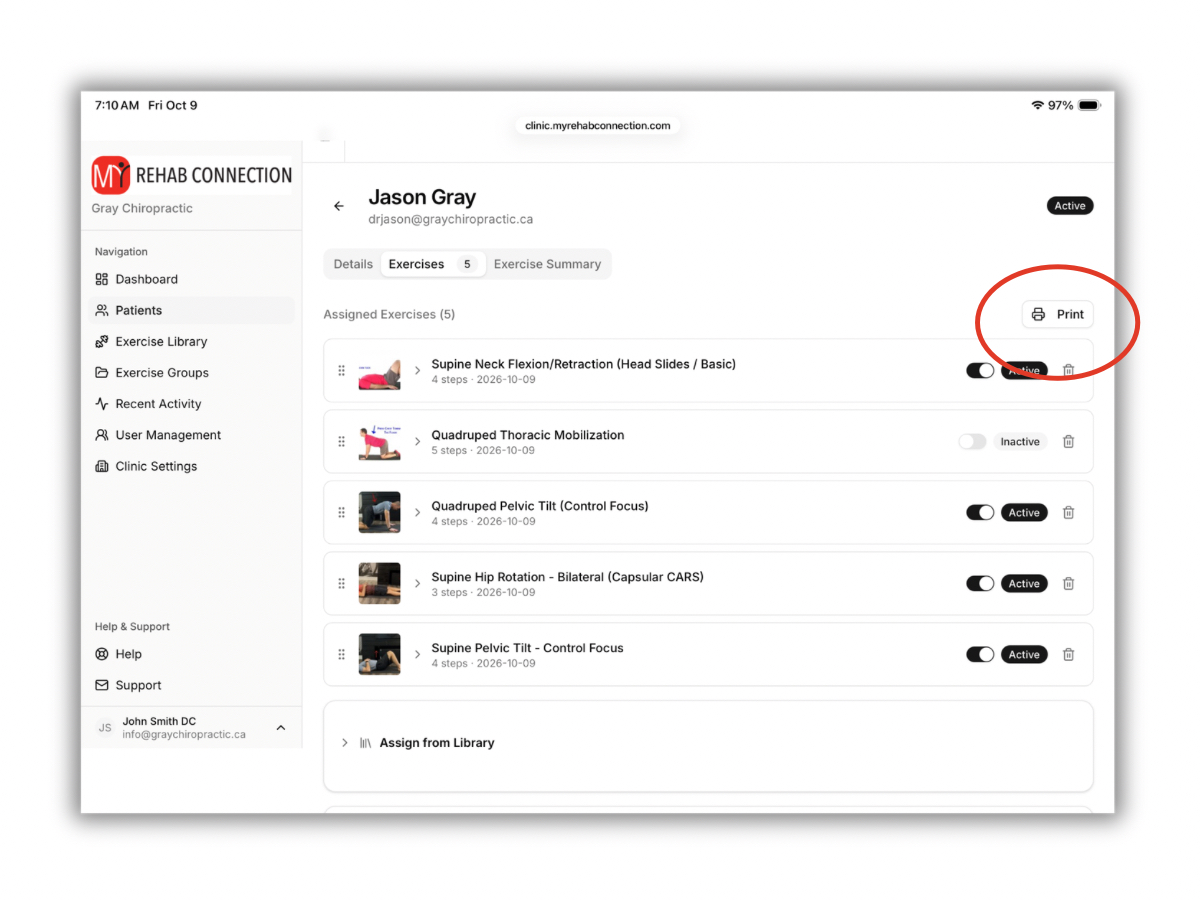
Open the patient. The press the “Print” button located at the top-right of the screen.
To Email Exercises
You cannot email exercises to patients directly. But you can “Print-as-PDF”. This PDF document can then be sent to the patient as an file attachment through your email program of choice. To simplify this we recommend creating a dedicated folder on your computer to save these PDF documents.