
Customizing Your App
Customizing The App and Patient Experience
My Rehab Connection allows you to customize many aspects of your account and patient app. This section will walk you through how to do this.
Click the “Clinic Settings” link in the left sidebar.
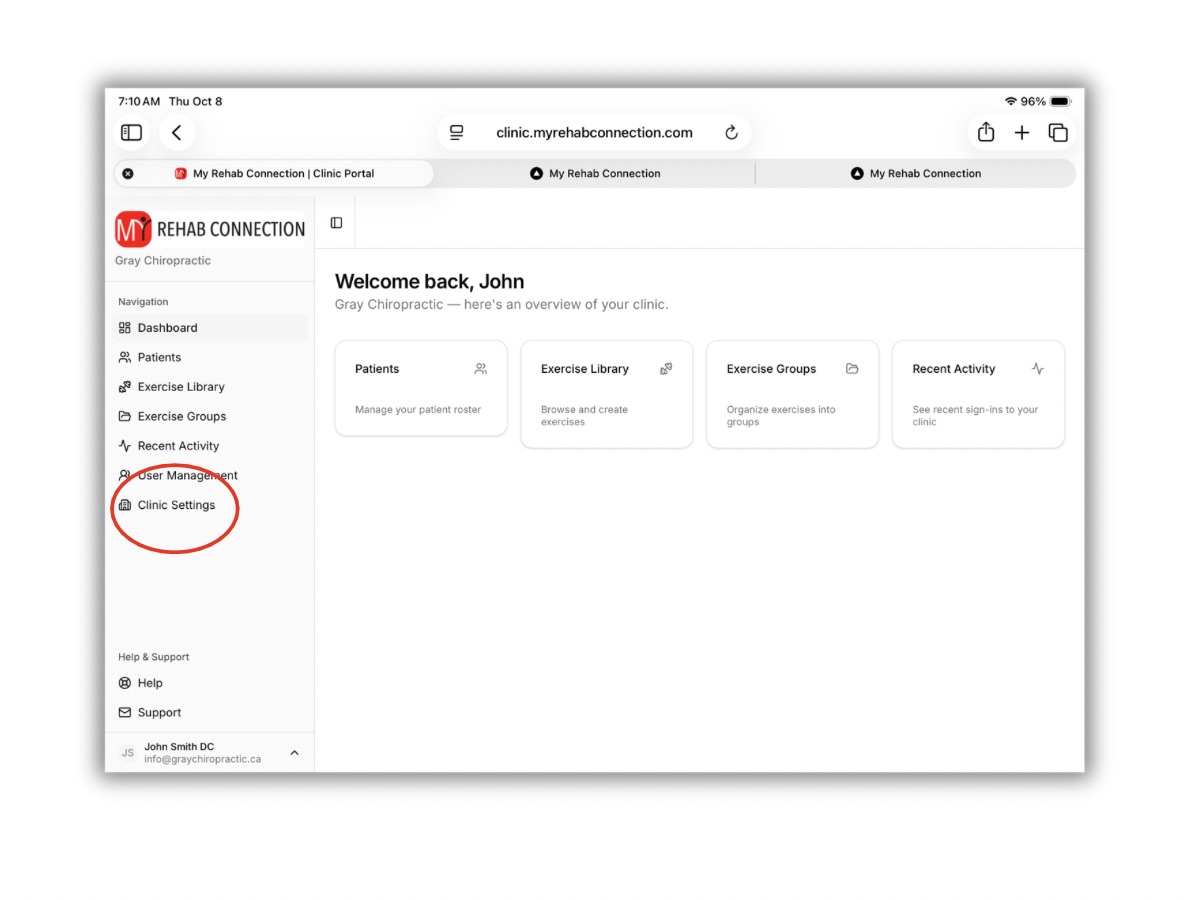
From here you will see several tabs at the top of the screen. Much of this information will be synced with the patient app, patient website, and automated patient emails to help customize the patient interface to your clinic.
Note: Some information can only be edited by the clinic administrator.
General Clinic Info
Here you can add Clinic Name, Address, Website, Phone, Email.
Hours
Here you can add your business hours. If you offer online appointment booking you can also add a like to your calendar here.
Branding
Here you can add your clinic logo and any links to your social media pages.